Easy to integrate GetResponse with Elementor Form Pro
Sure, no need to say too much about GetResponse. It’s one of the incredibly amazing tools in the digital marketing field. Ali Addons will help you integrate GetResponse with Elementor Form through the following simple steps
Step 1: Get API to integrate GetResponse with Elementor
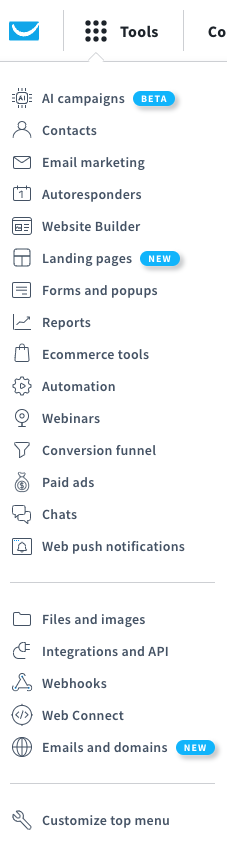
Go to GetResponse homepage and login to your account.
Get API Key
Step 2: Add API key to Ali setting page
Step 3: Create the form to send the information to GetResponse.
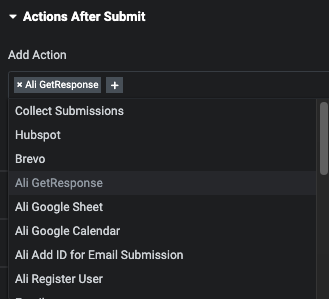
Choose Ali Response in Action After Submit
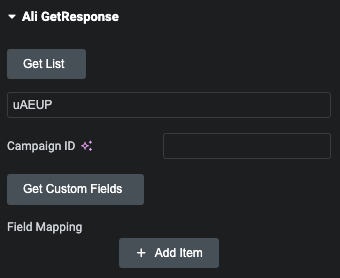
Click to Get List to retrieve the ID list of Email marketing lists from GetResponse. Then, get the id and paste it to Capaign ID field in below.
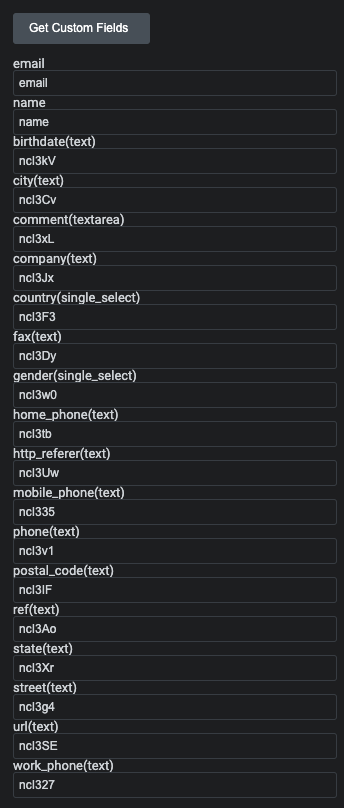
Continue clicking on ‘Get Custom Field’ to retrieve existing fields within the GetResponse admin page
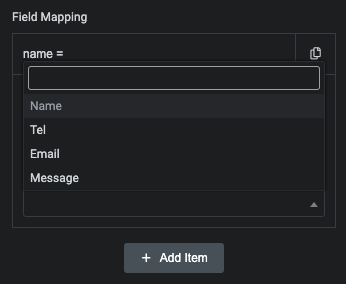
Finally, mapping form field with custom field which has got from GetResponse.
*A quick note: if you need to use the country code field, please refer to our guide on how to create the country code field here.
By doing this, you’ll easily gather contact information from customers to build a contact list. Wishing you success with your marketing campaigns